Buying a sony aibo robot in 2026 takes more than finding a listing and checking the price. Availability, regional support, service options, and ongoing plan requirements can change, so verify each detail with Sony before paying. A polished product photo cannot tell you whether a particular unit is new, refurbished, or missing accessories.
Toshitada Doi, one of AIBO’s original creators, helped shape the robot around human companionship. A paraphrase of that design idea is: “A robot should build a bond through interaction, not specifications alone.” That perspective matters when comparing AIBO with ordinary smart devices. Its appeal lies partly in how it responds, learns routines, and feels present in a room. But affection does not replace practical checks.
This guide will explain where to look for a sony aibo robot, what to confirm with sellers, and how to assess the full cost of ownership. Check the model generation, included charger, battery condition, account-transfer process, warranty, and access to Sony’s services in your country. Ask for clear photos of the paws, face, and charging contacts. Small marks can reveal heavy use. Very small details.
Prices and availability may differ by region, and a low listing price may exclude essential services or support. This is easy to overlook. I would not treat any single marketplace listing as proof of a safe purchase. The goal is a well-informed decision, not a rushed checkout.
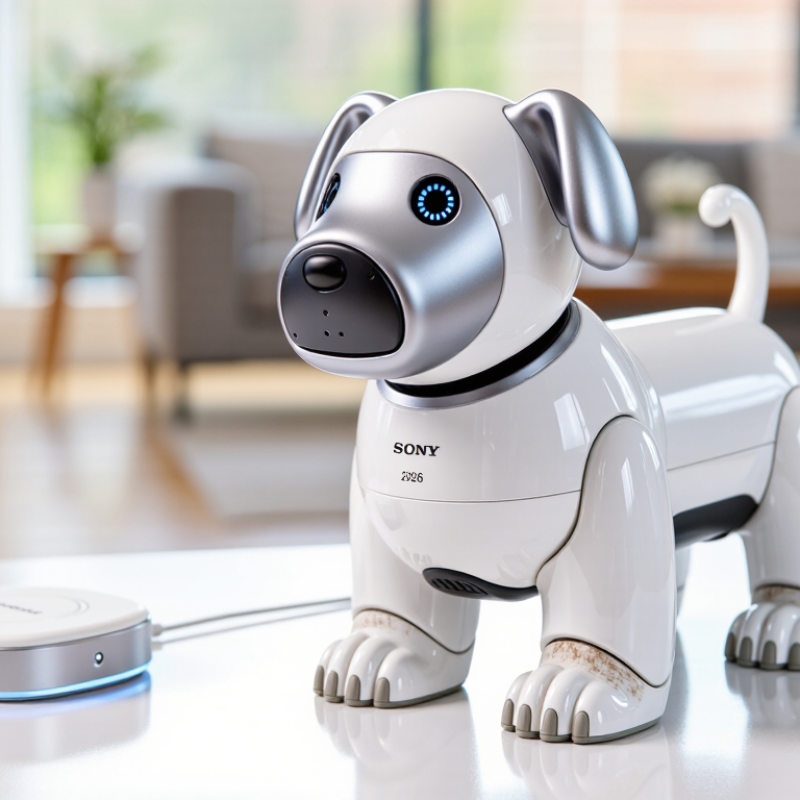
Identify the Aibo Model and Version Available in 2026
For a 2026 purchase, identify the robot by its hardware model code, not the seller’s listing title. The ERS-1000 code identifies the current-generation model family commonly encountered in resale listings. A recent listing date does not prove a newer generation. Ask for a clear photo of the underside label and the device’s settings screen. These can help distinguish the hardware model from its software version or cosmetic edition.
The International Federation of Robotics reported 20.3 million consumer service robots sold in 2023, an 11% increase from 2022, in World Robotics 2024. That figure describes the wider category, not this model’s stock or support. Check whether the unit’s region, language settings, app access, and any required subscription match your intended use. For secondhand units, request a startup video and ask whether the seller has confirmed account transfer and current service availability. Details can vary. Verify them directly.
Tips: Match the label, settings screen, and listing before paying. Ask for dated photos. If those details conflict, pause and investigate; a polished shell can hide an older or unsupported unit.
How to Buy a Companion Robot in 2026? — Identify the Model and Version Available in 2026
| Generation or Version |
Approximate Release Period |
How to Identify It |
Typical 2026 Availability |
What to Check Before Buying |
Best Fit |
| First-generation models |
1999–2000 |
Early compact design; inspect the underside label and original packaging for the exact model code and serial number. |
Primarily pre-owned or collectible units; working examples may be uncommon. |
Test startup, movement, sensors, joints, battery charging, and included accessories. Confirm that replacement batteries and repair options are available. |
Collectors and buyers comfortable with restoration or limited functionality. |
| Second-generation models |
2000–2002 |
Several body styles and feature sets were released during this period. Use the underside label rather than appearance alone to identify the version. |
Usually found through specialist resale listings, collectors, or estate sales. |
Ask for a continuous video showing power-on, walking or movement, sound, and charging. Check for missing parts and battery swelling. |
Experienced collectors seeking an older version. |
| Third-generation models |
2003–2006 |
Later pre-revival units generally have more developed movement and interaction features. Verify the exact model code and included software or accessories. |
Pre-owned and collectible; condition and completeness vary substantially. |
Confirm the robot, charger, battery, and any memory media or accessories are included. Ask whether the seller has tested every advertised feature. |
Buyers who value older hardware and understand that support may be limited. |
| Modern companion-robot generation |
Introduced in 2018 |
Look for the product label, serial number, region, and account or setup requirements. Do not rely on photos or a seller’s informal version description. |
May be available new or used depending on region and seller inventory; availability can change during 2026. |
Check whether setup services, cloud features, subscriptions, and mobile-app functions are available in your country and transferable to a new owner. Confirm the battery’s condition and reset status. |
Buyers seeking a newer interactive pet robot and willing to verify ongoing service requirements. |
| Refurbished or serviced unit |
Any generation |
Request a written description of the original generation, replaced parts, repair work, and current software or service status. |
Offered intermittently by specialist resellers; terms differ by seller. |
Get the return period, warranty coverage, repair records, and a list of included accessories in writing. Ask who performs future repairs. |
Buyers who want a tested unit but still plan to verify serviceability. |
Buying note: Availability, regional compatibility, online services, and repair support can change. Before paying, verify the exact model code and serial number, request a live functionality demonstration, and confirm all recurring fees and return terms with the seller.
Compare Official and Resale Purchasing Options
An official purchase is usually the clearer route when a companion robot is available in your region. Check the seller’s current stock, warranty period, delivery cost, and local service options before paying. Ask whether software features require a continuing subscription or a specific home network. Small details matter. A glossy product page cannot tell you how quickly support answers a repair question.
Resale listings may cost less, especially for older units, but the condition can be hard to judge from photos. Request a recent video showing the robot walking, responding to voice, and returning to its charging station. Ask about battery life, dents, missing accessories, and previous repairs. Get the serial number and confirm that the device can be reset and transferred to a new owner. A low price is not a bargain if its account remains locked.
Compare the full cost, not just the listing price: shipping, taxes, replacement parts, and any paid services. Use a payment method with buyer protection, and avoid sending money outside the marketplace. If possible, inspect the robot in person and test it on a clear floor. I would still hesitate over a unit with no return option. Even careful checks cannot reveal every fault.
Review Pricing, Service Plans, and Regional Compatibility
Before buying a companion robot in 2026, compare the full first-year cost, not just the checkout price. Include shipping, taxes, a service plan, and possible replacement parts. Plans can cover cloud features or support, but inclusions and renewal terms may vary by region. Check the current seller’s written terms; older price listings can be misleading. The International Federation of Robotics’ World Robotics 2024 report recorded 12.7 million consumer service robots sold in 2023, an 11% rise. That market figure signals growing adoption, not guaranteed long-term support for any one model.
Regional compatibility deserves equal attention. Confirm that the robot can be activated in your country, that its app is available in your app store, and that local support accepts your purchase region. Ask about Wi-Fi requirements, service-plan payment methods, warranty coverage, and return shipping before ordering. A unit that powers on may still lack online functions abroad. Annoying, but real.
Tips: Save screenshots of the plan terms and regional support answers. Ask whether a used unit can be transferred to your account. If the seller cannot confirm activation in writing, pause before paying. That small delay may prevent an expensive mismatch.
Regional Power Standards to Check Before Buying a Companion Robot (2026)
Nominal household voltage varies by region. This chart is a general reference—not confirmation that a particular robot or its adapter is compatible. Before purchasing, check the adapter’s input rating, regional service availability, and any location restrictions.
Verify the Seller, Robot Condition, and Included Accessories
Before paying, verify the seller’s identity, account history, and proof of ownership. Ask for a dated video showing the robot powering on, responding to commands, and returning to its charging station. Request close-ups of joints, paws, seams, and the charging contacts. A polished shell proves little.
Ask for proof.
The International Federation of Robotics’ World Robotics 2024 report recorded 205,000 professional service robots sold in 2023, a 30% year-on-year increase. This is useful market context, not evidence that any used companion robot is reliable. No checklist removes every risk; battery aging can be difficult to judge from a short video.
Tips: Ask for a continuous video, not edited clips. Confirm what is included: charging station, power adapter, setup materials, and any model-specific accessories. Match each item against the seller’s written list. Ask about battery runtime, repairs, error messages, and whether all functions work. On arrival, compare the contents with the listing before confirming receipt. Missing small parts can be costly, and a quick demonstration may not reveal intermittent faults.
Complete the Purchase and Prepare for Setup
Before purchasing a companion robot, check the exact model, condition, and included accessories. Listings can use similar photos for different versions, so request clear images of the actual unit. Ask the seller to confirm the charger, battery condition, warranty coverage, and return period in writing. Small details matter. Review the total cost, including shipping and any required subscription or replacement parts. Keep the receipt and seller messages together in one folder. If a detail feels vague, pause before paying; a low price is not useful if setup essentials are missing.
Prepare a stable place for the robot before it arrives. Clear loose cables, move breakable objects, and leave open floor space for movement. Check the current setup guide for app, network, and phone compatibility, since requirements can differ by model and region. Charge the unit as directed, then follow the on-screen or manual instructions rather than guessing through prompts. Keep packaging until you have confirmed that movement, charging, and basic controls work. I might still overlook something small, like floor clutter near a charging spot. That is easy to fix, but worth checking early. If setup stops at an error message, note the exact wording and consult the official support documentation instead of repeatedly resetting the device.
Conclusion
Buying a sony aibo robot in 2026 starts with identifying which model and version is actually available, since the selection may differ by region and purchasing channel. Compare current official purchasing options with reputable resale listings, and look beyond the initial price: service plans, ongoing costs, regional compatibility, and access to support can all affect the overall value. Check that the robot can be used with the services and setup options available where you live before making a decision.
Before paying, carefully review the seller’s history, the robot’s condition, and what is included, such as its charger, accessories, and documentation. For a pre-owned unit, ask about its operating history and confirm that key functions work as described. Once you have verified the details and completed the purchase, prepare a suitable setup area, follow the supplied instructions, and check connectivity and account requirements. Taking these steps can help you choose confidently and get your robot ready for use.